Northern Lights Alerts

Get instant aurora notifications tonight. Track forecasts, cloud cover, and live aurora locations in real-time.

Hello Aurora sends real-time Northern Lights alerts to your phone. By combining forecasts with local reports and user photos, it lets you know exactly when the lights are visible in your area.

Aurora Spotted Alerts

Aurora Spotted Alerts

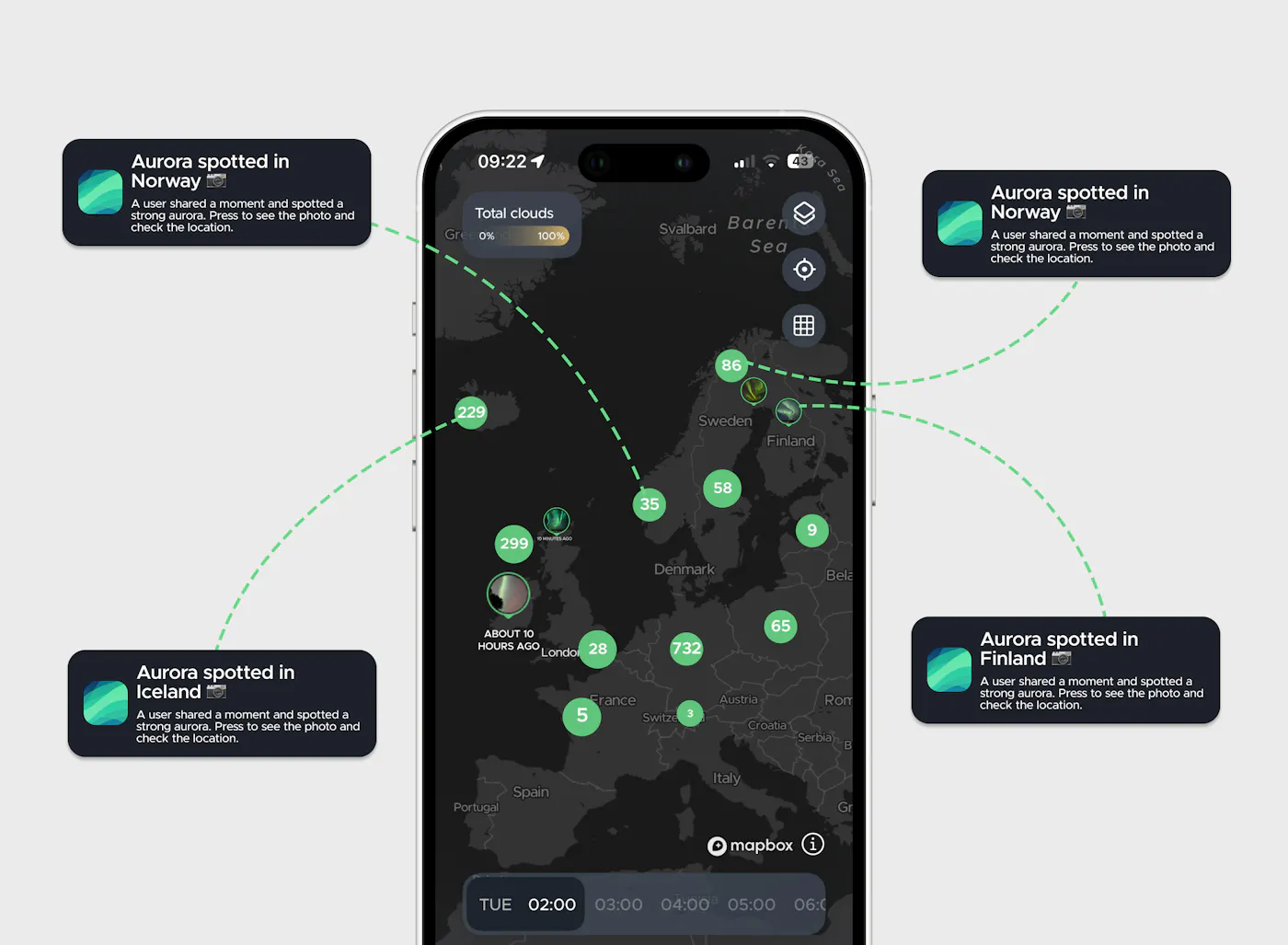
Get instant push notifications on your phone the moment community members submit real-time Northern Lights sightings. This feature delivers live updates from other users straight to your phone and helps you know exactly when and where to look for the lights.

Substorm Notifications

Substorm Notifications

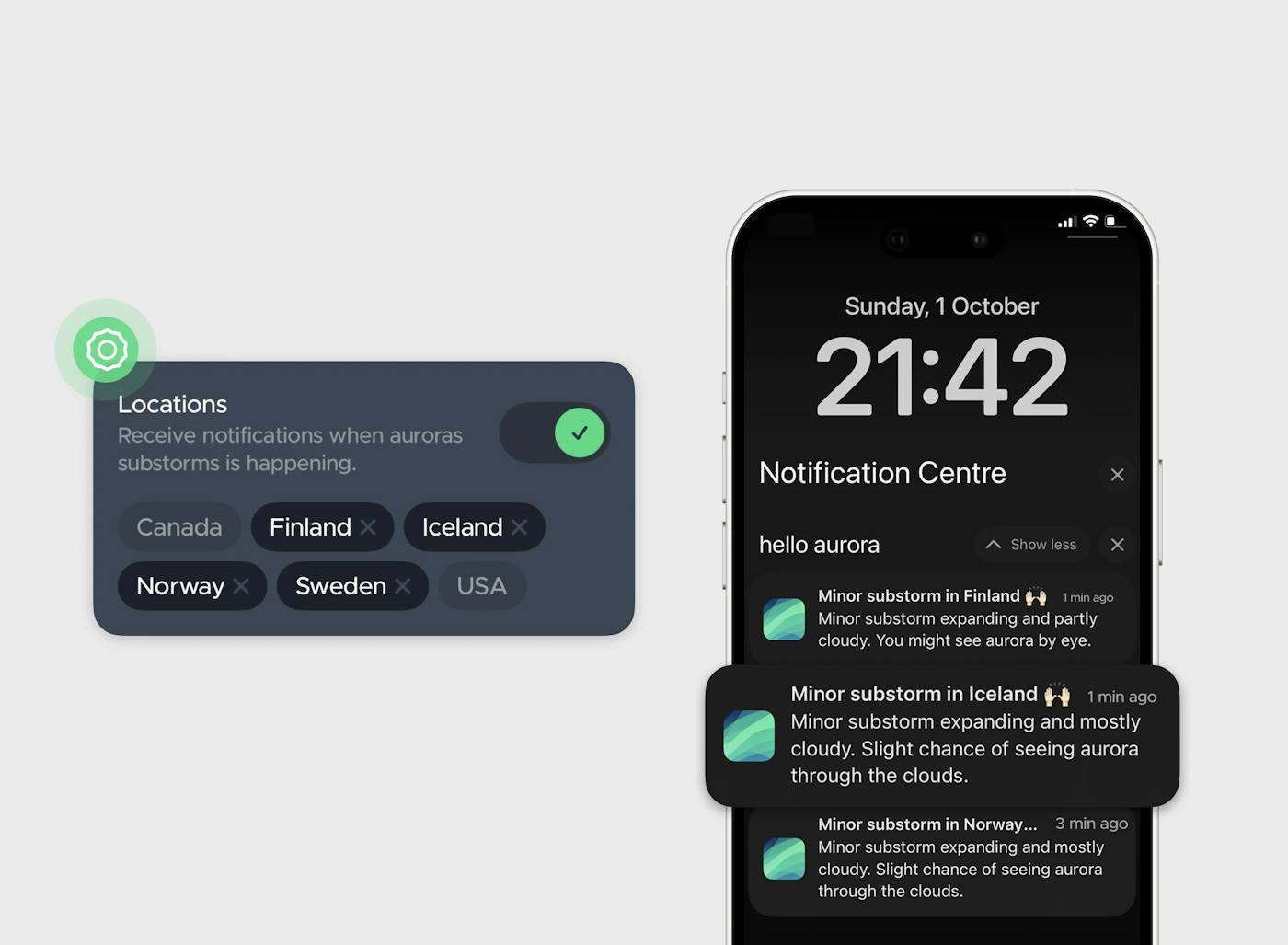
Receive immediate alerts the moment a geomagnetic substorm begins and the aurora intensifies. This feature tracks live data to notify you of peak activity phases in real-time, maximizing your chances of seeing vibrant, dancing Northern Lights.

Real-Time Country Alerts

Real-Time Country Alerts

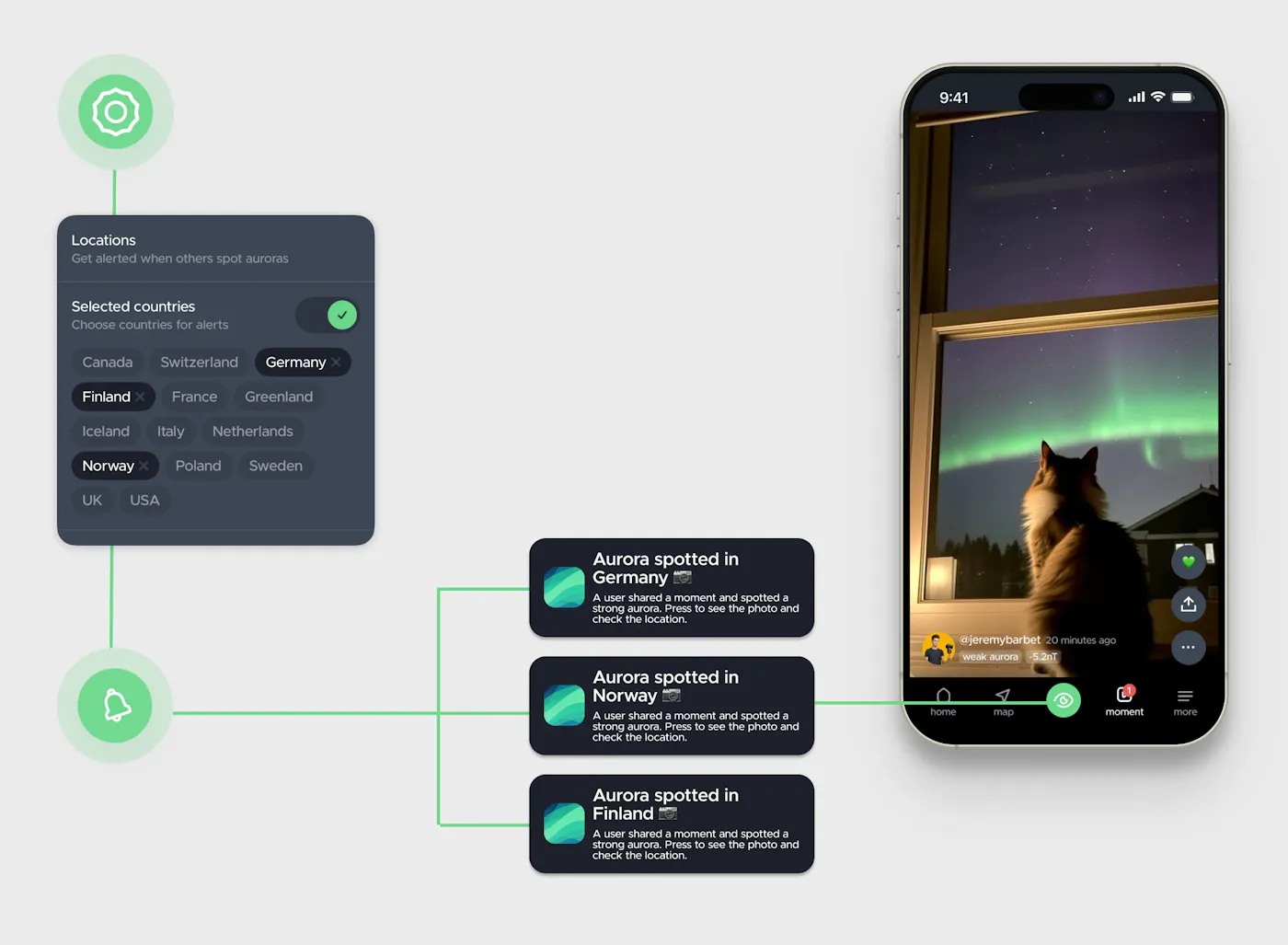
Sends you alert when the Northern Lights are visible in your country. Receive instant notifications for sightings in Iceland, Norway, Sweden, Finland, Canada, US, UK, Germany, Italy, France, Poland, Austria and Switzerland

Custom Aurora Alerts

Take full control of your notifications with Hello Aurora Pro. Set your own rules so you only get the alerts that matter to you.

Distance-Based Alerts

Distance-Based Alerts

Pro

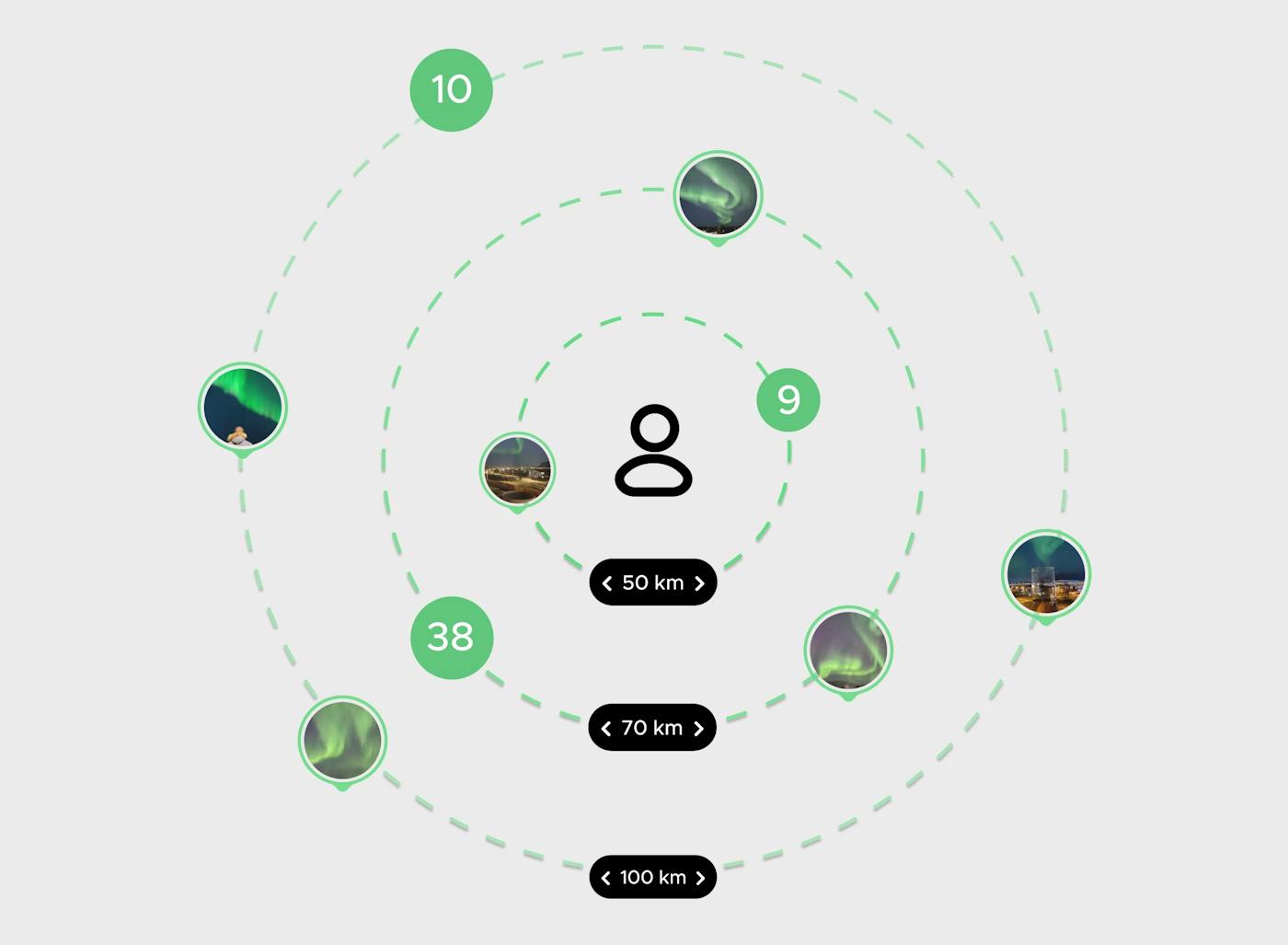
Filter your aurora alerts by distance. Choose how close a sighting needs to be before you receive a notification, ensuring you never miss a display in your area or waste time on sightings too far away.

Filter Spotted Alerts by Intensity

Filter Spotted Alerts by Intensity

Pro

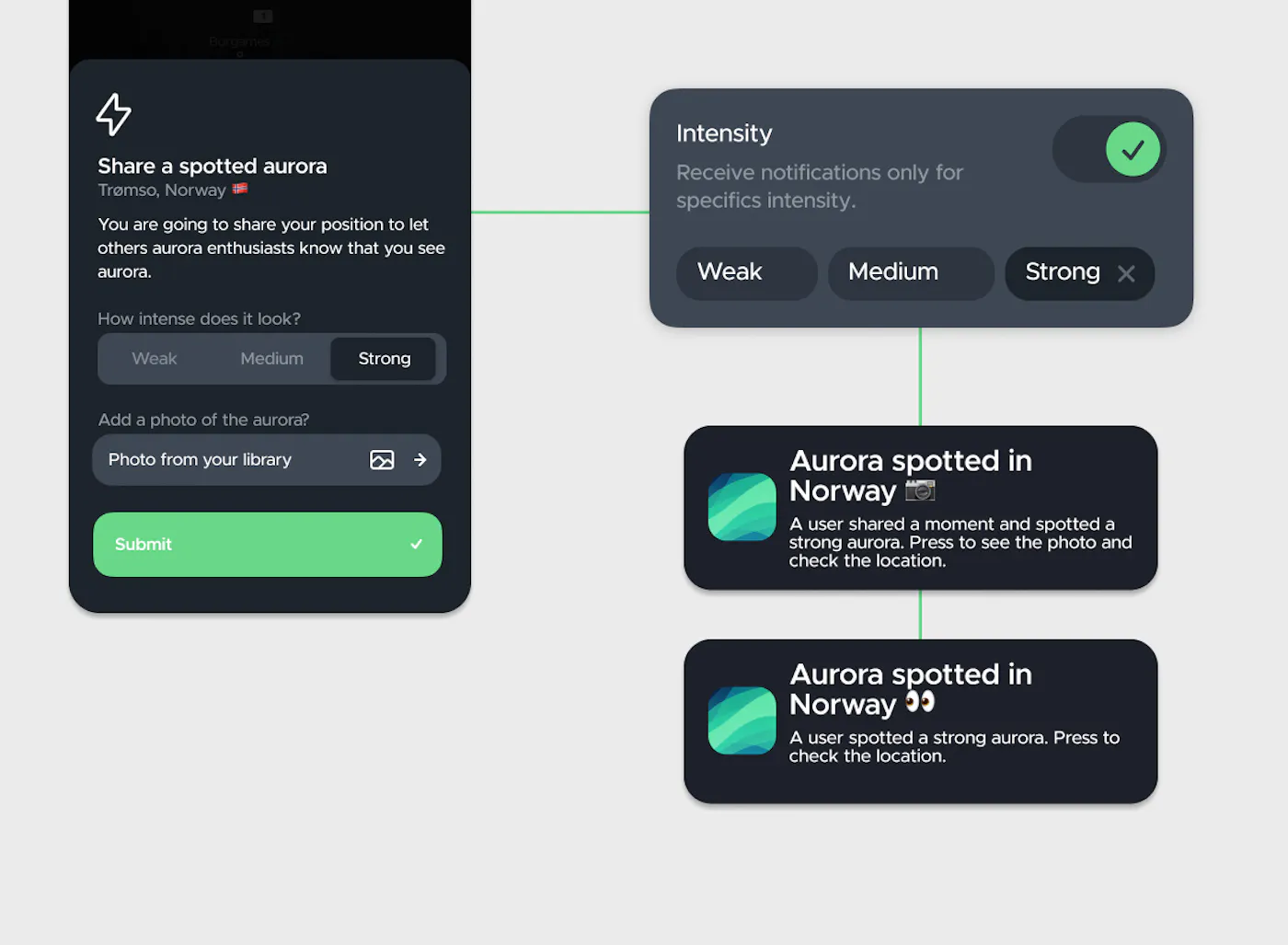
Customise your aurora spotted alert intensity. Choose the brightness level you want to be notified for—from weak, medium to strong aurora. Set your filter to ensure you only head out for the displays that matter to you.

Photo only alerts (Moments)

Photo only alerts (Moments)

Pro

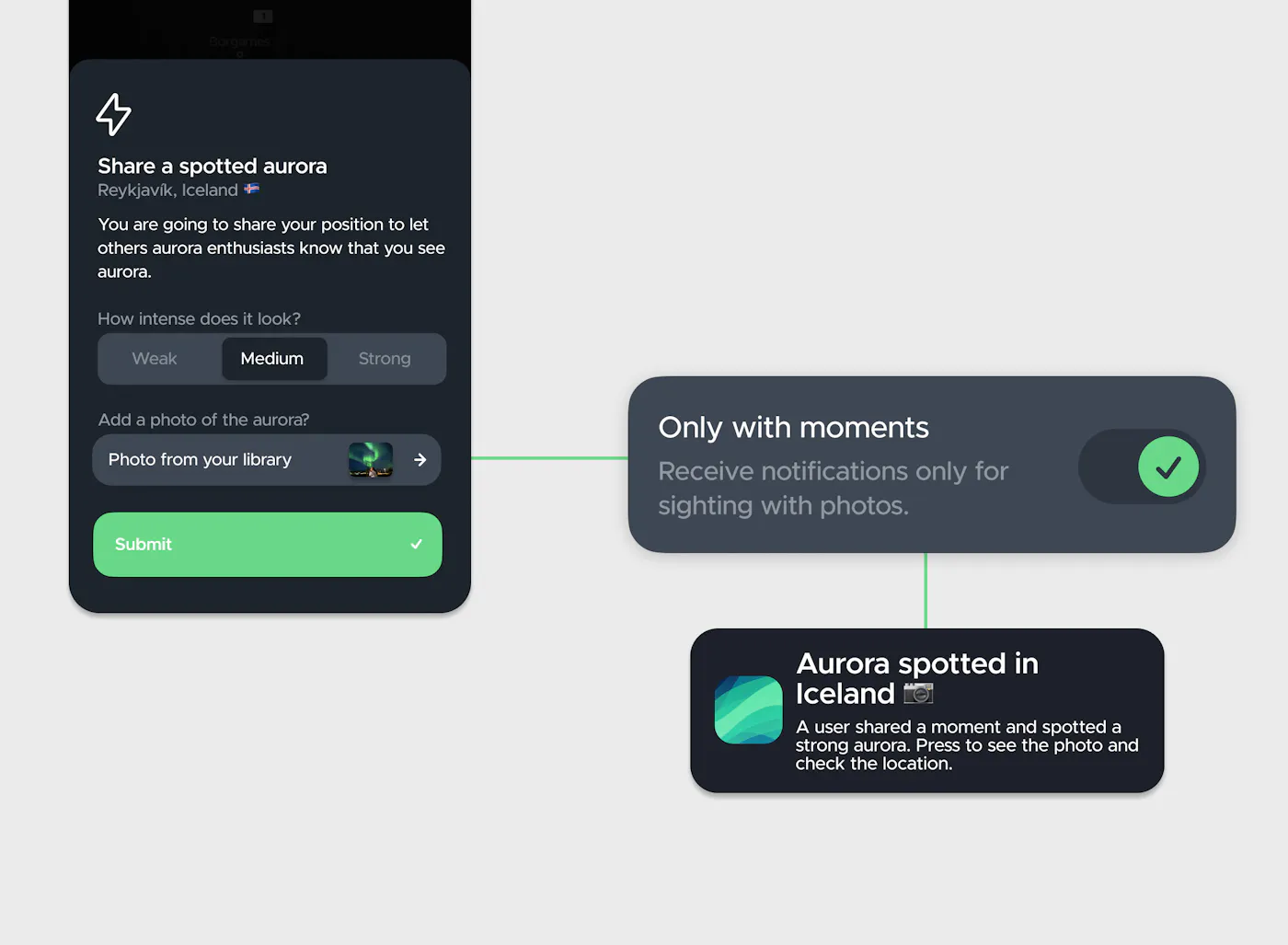
Turn on this filter to only get alerts when someone uploads a live photo or "Moment" of the aurora.

Set custom thresholds for Bz values

Set custom thresholds for Bz values

Pro

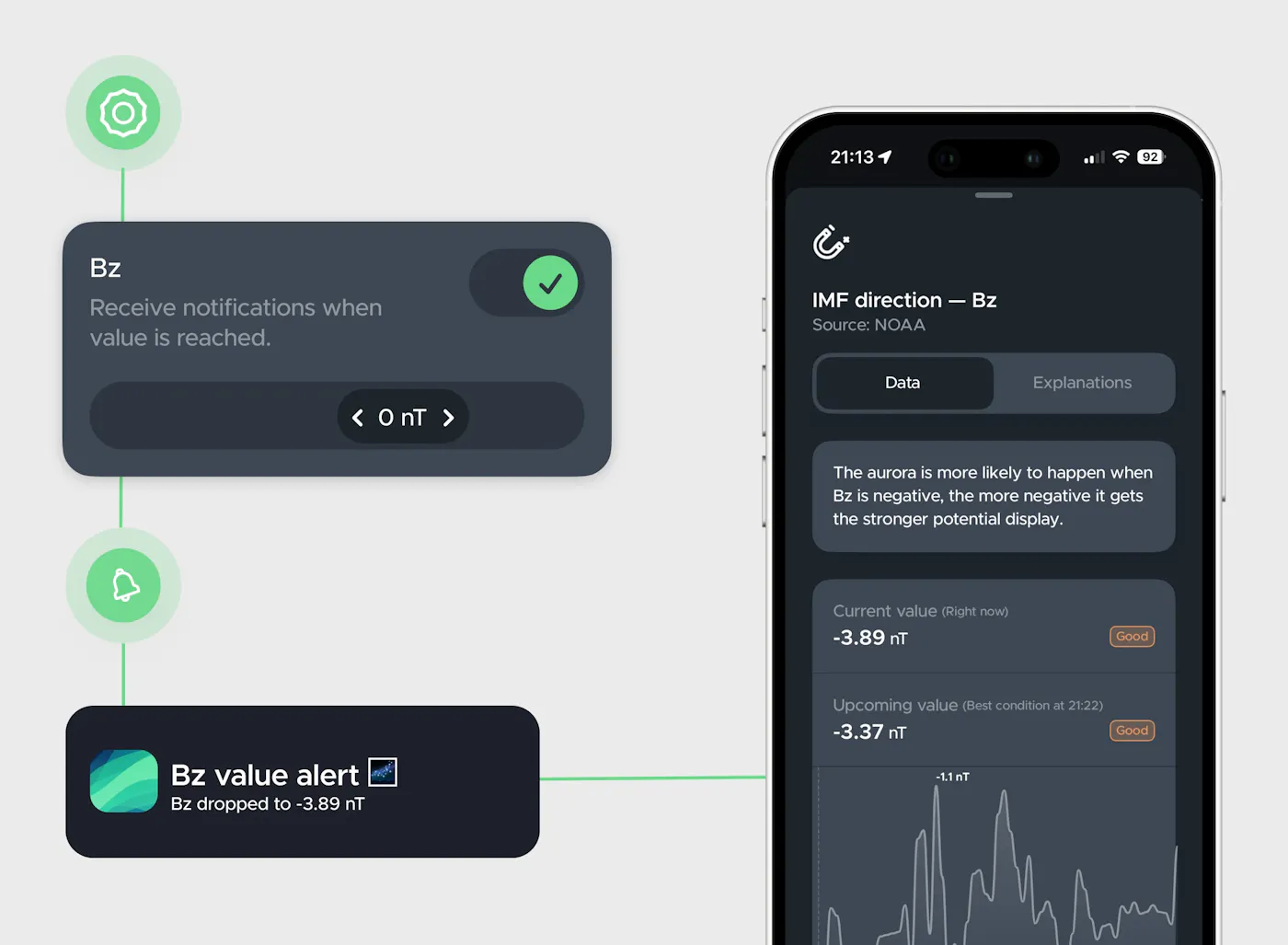
Take control of your alerts by setting custom Bz thresholds. Get notified the instant the magnetic field points south below your specified value. Generally, the lower the Bz value, the better your chances of witnessing a vibrant display.

Why people love our alerts

Excellent app, with all the important information and above all an active community that lets you know thanks to notifications if the aurora has been seen in your area

Play Store user from Italy

This one is great especially the crowdsourced observation alerts.

App Store user from Finland

I use this app to track the aurora in Montana. It works well, is intuitive, and has decent notifications.

App Store user from United States

Frequently Asked Questions

Q: How accurate are the Northern Lights visibility alerts?

A: Hello Aurora uses your location, local weather, and cloud cover data to calculate aurora possibility while most apps use the global Kp index, which is often inaccurate for local hunting. Hello Aurora gives you a notification unique to your specific sky.

Q: Why can I not see anything after an alert?

A: Clouds and city lights are the main obstacles. Even if magnetic conditions are perfect, heavy clouds block the view. Move away from city lights and find a clear sky for the best experience.

Q: What is a Substorm notification?

A substorm is a sudden burst of brightness and movement. These are the moments when the lights dance most intensely. Hello Aurora alerts let you know the exact second this active phase begins so you'll never miss the aurora.

Q: What are Photo Only alerts?

A: This setting ensures you only get notifications when a user includes a live photo with their sighting. If a user sends a report without an image, you will not be alerted. It is the best way to confirm the Northern Lights are actually visible right now.

Q: How does the Kilometer Radius filter work?

A: Standard version alerts you for an entire country. With this filter, you set a custom limit like 25 km. You only get notified if the aurora is spotted near your actual position.

Q: What is the Intensity filter?

A: Users report sightings as weak, medium, or intense. If you only want to see bright, dancing lights, set your filter to intense. This helps you avoid going out for faint displays that are hard to see.

Get started

Don't wait any longer, download hello aurora and start exploring!