
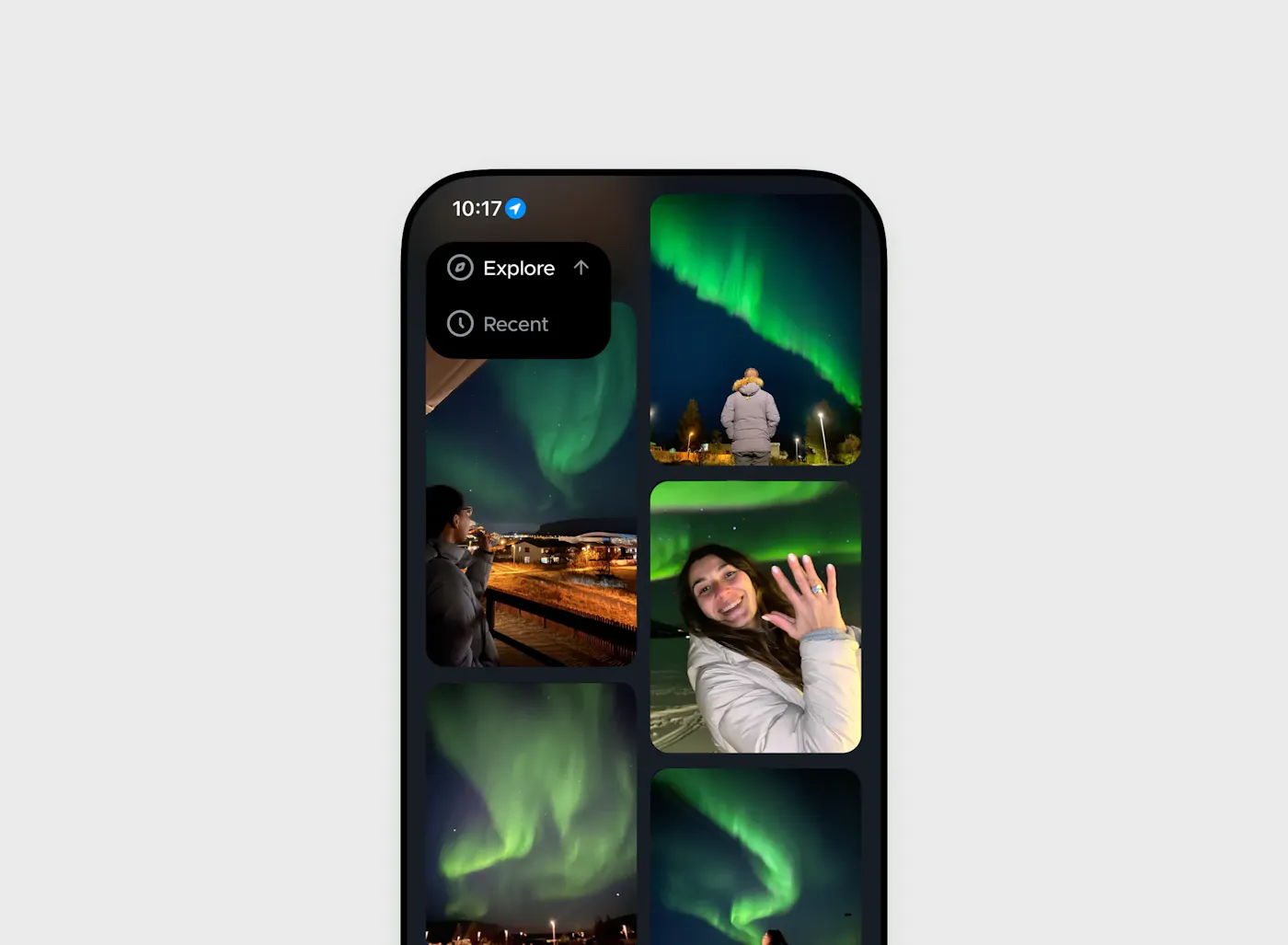



How does the Northern Lights report work?
You can report aurora sightings on Hello Aurora in two fast ways:
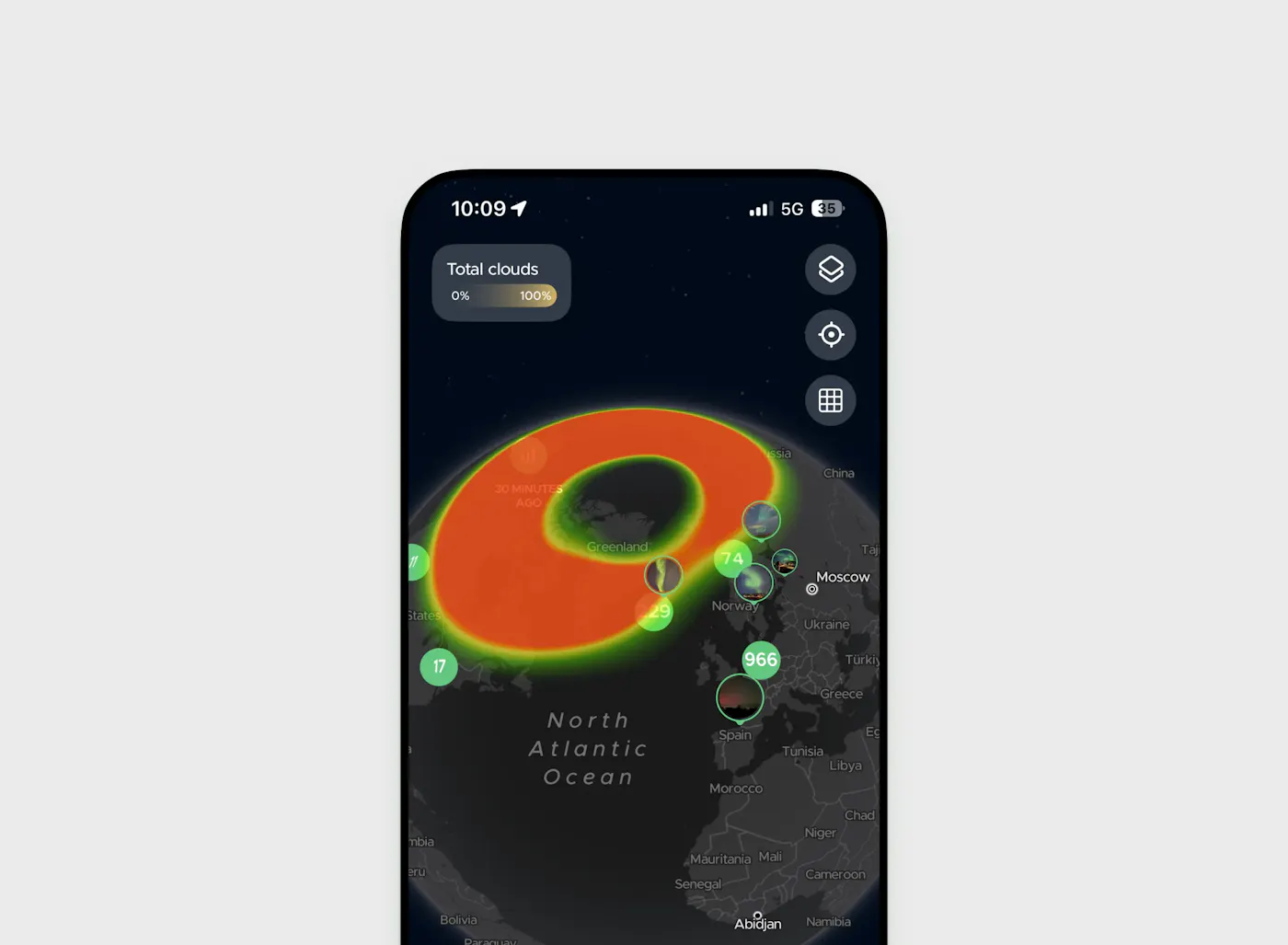
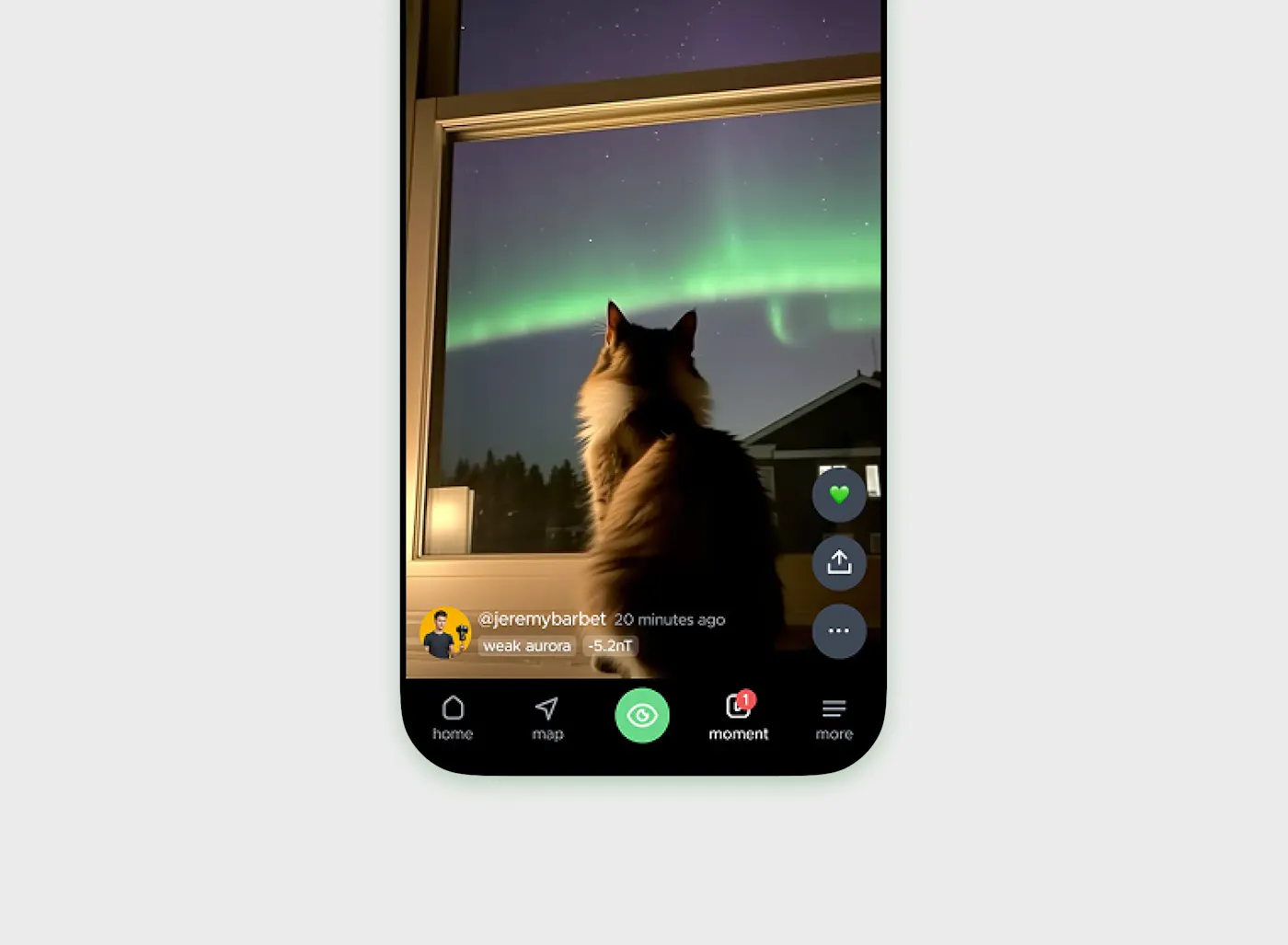
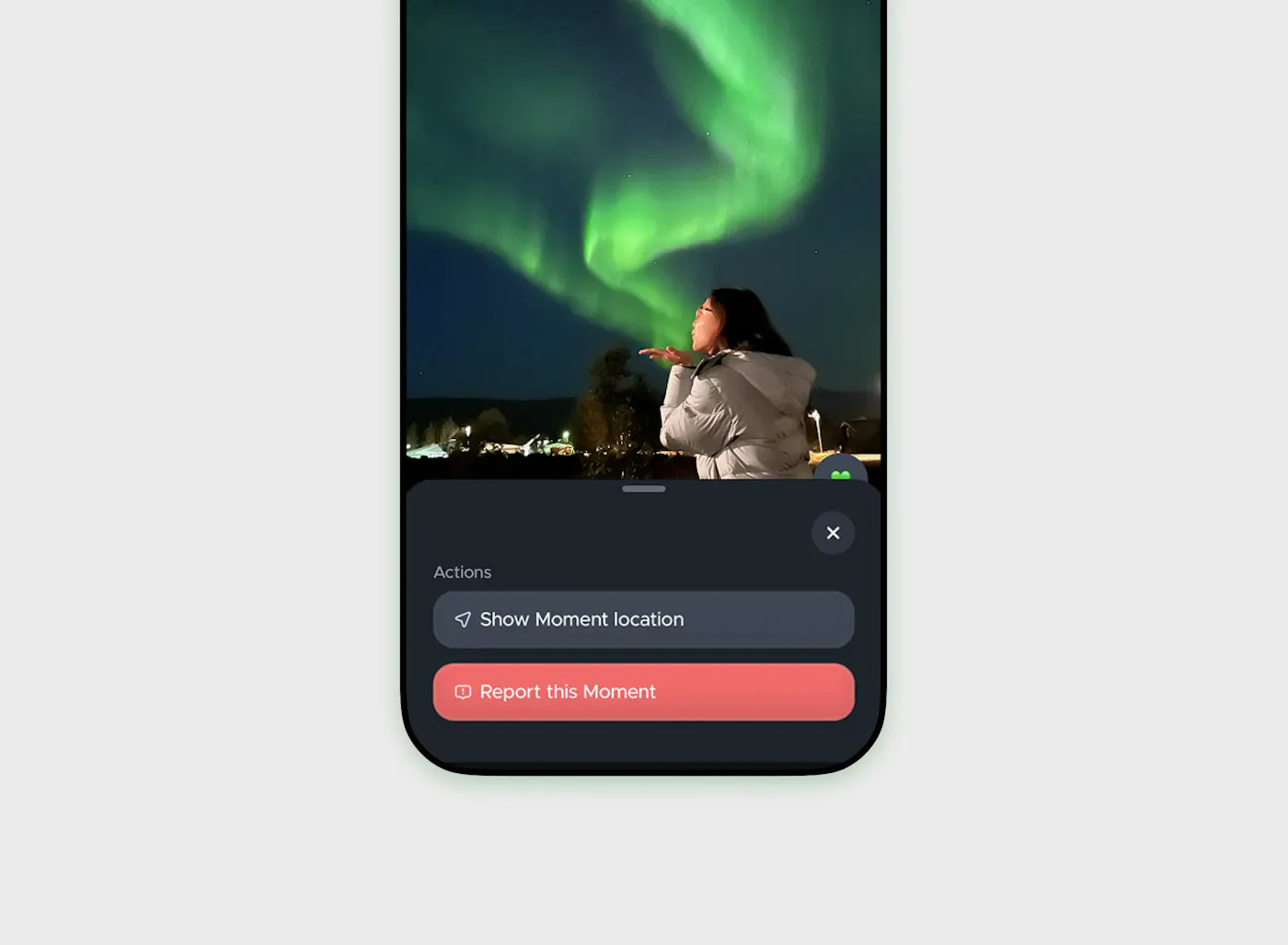
- Aurora Moment: Share a live photo report with the community. Approved photos display on the Moment feed and interactive map.
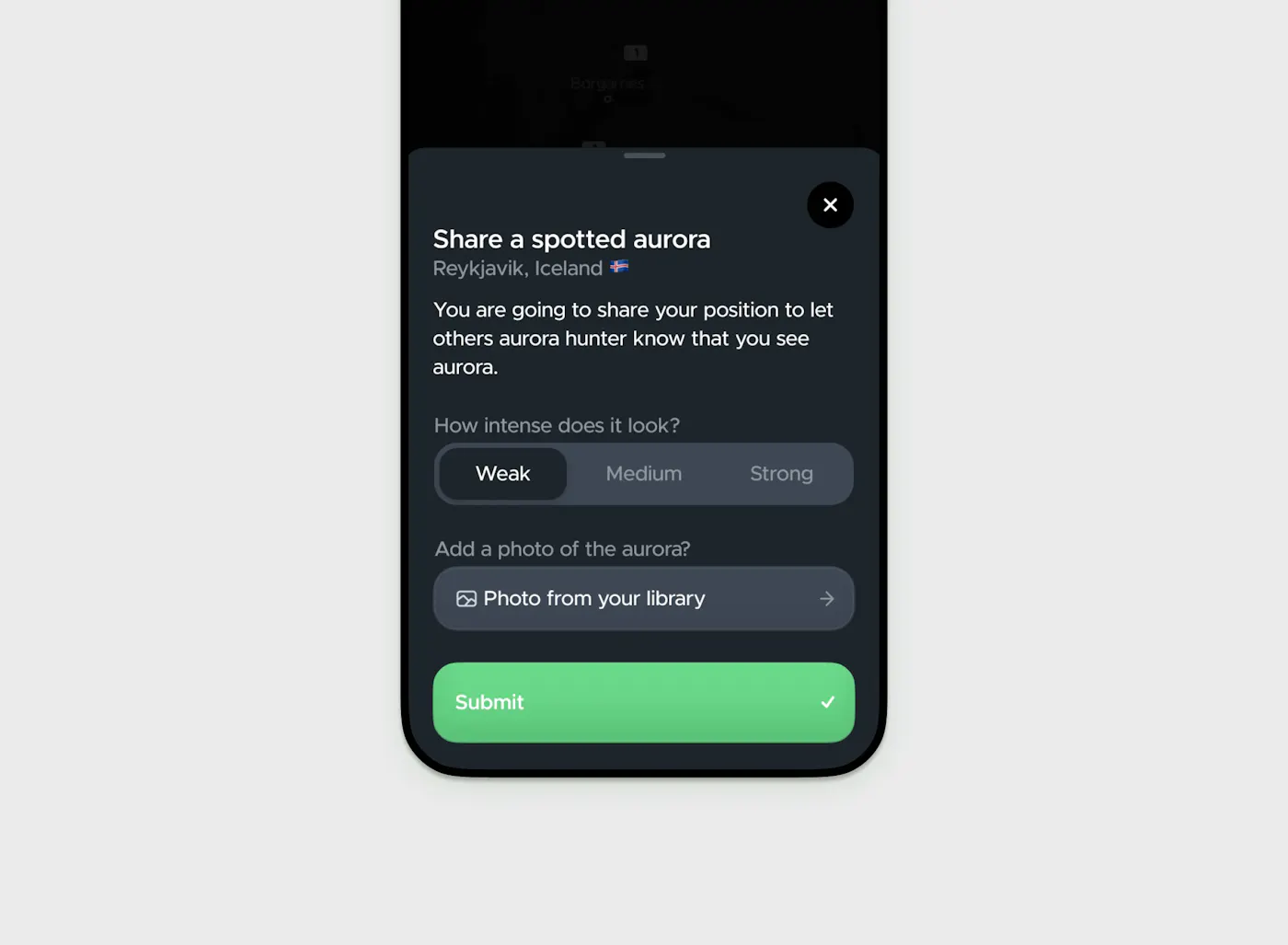
- Aurora Spotted: Skip the photo and report quick updates. Choose the light intensity you see to drop a real-time pin on the map page for nearby users.
To prevent false reports, Hello Aurora verifies local solar activity, cloud coverage and GPS coordinates before a post goes live. All temporary pins reset daily to keep live maps accurate, while top photos are highlighted in the Featured Moments wall.
How to take photo of the Northern Lights?
Modern smartphones are great at capturing Northern Lights pictures. Follow these simple steps to take clear shots:
- Lock focus: Tap and hold on a bright star to lock focal length
- Turn off flash: Disable automatic flash completely
- Use night mode: Turn on Night Mode or long exposure (2–5 seconds)
- Keep it Still: Mount your phone on a tripod or rest it on a flat surface.
Smartphones and cameras pick up faint light better than the human eye. If the sky looks dark, take a test photo to double-check for hidden activity. Most Northern Lights sightings submitted to Hello Aurora are taken directly on mobile phones. If you use a DSLR, taking a picture of your camera screen is another fun way to upload your Moment fast.