What is the Aurora Spotted Location?
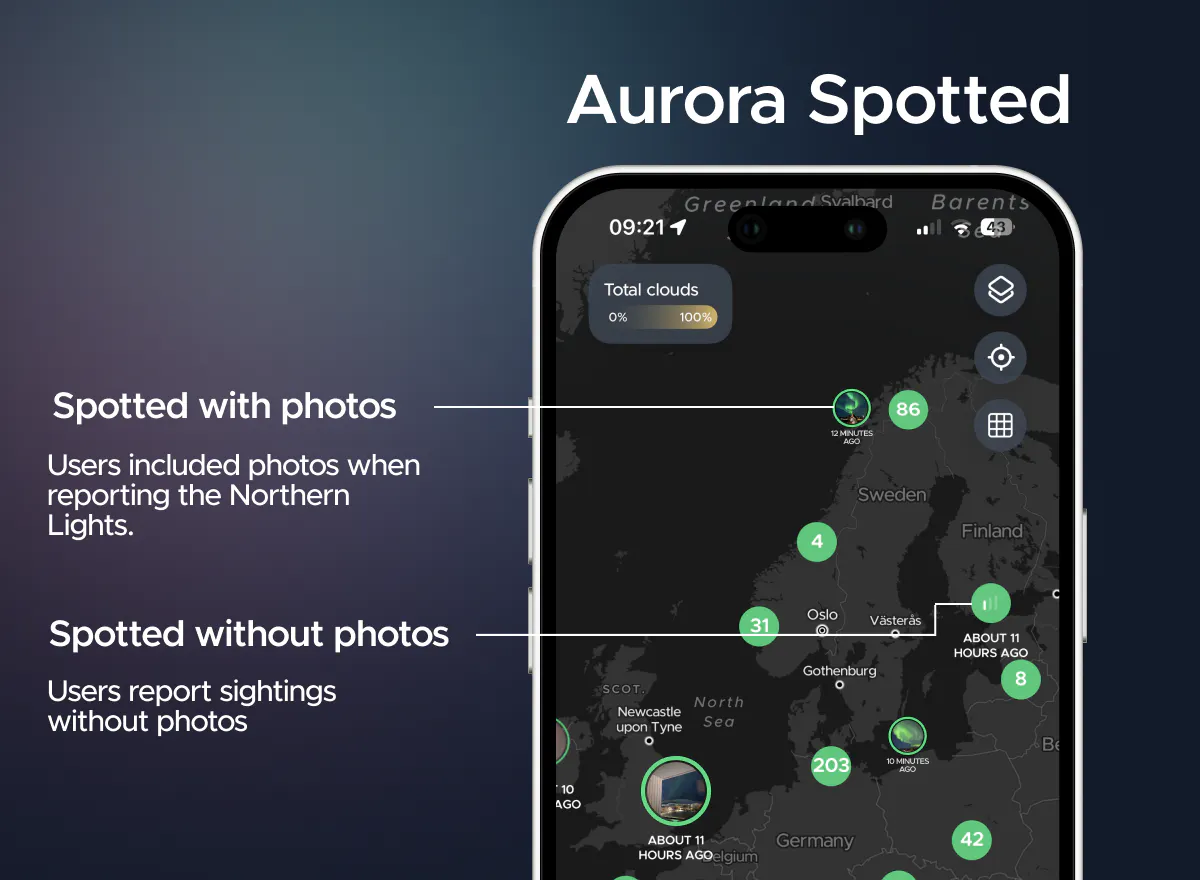
In Hello Aurora app, you will see green dots on the map indicating where users have reported aurora sightings. These reports come from real users in the area. There are two ways users can submit aurora sightings:
- Spotted with photos: Users can include photos when reporting the Northern Lights. Aurora photos are labeled 'Moments' and can be view on the Moments tab.
- Spotted without photos: Users can report sightings without photos but must indicate the intensity of the observed aurora.
How to see where the Northern Lights were spotted last night?
If you want to know where people saw the Northern Lights last night, you can filter the sightings to show those from "Last Night" only. The pins where the aurora was seen last night on the Hello Aurora app will be displayed in grey. Just like with real-time sightings, you can zoom into the location and see the photos if users shared Moments.
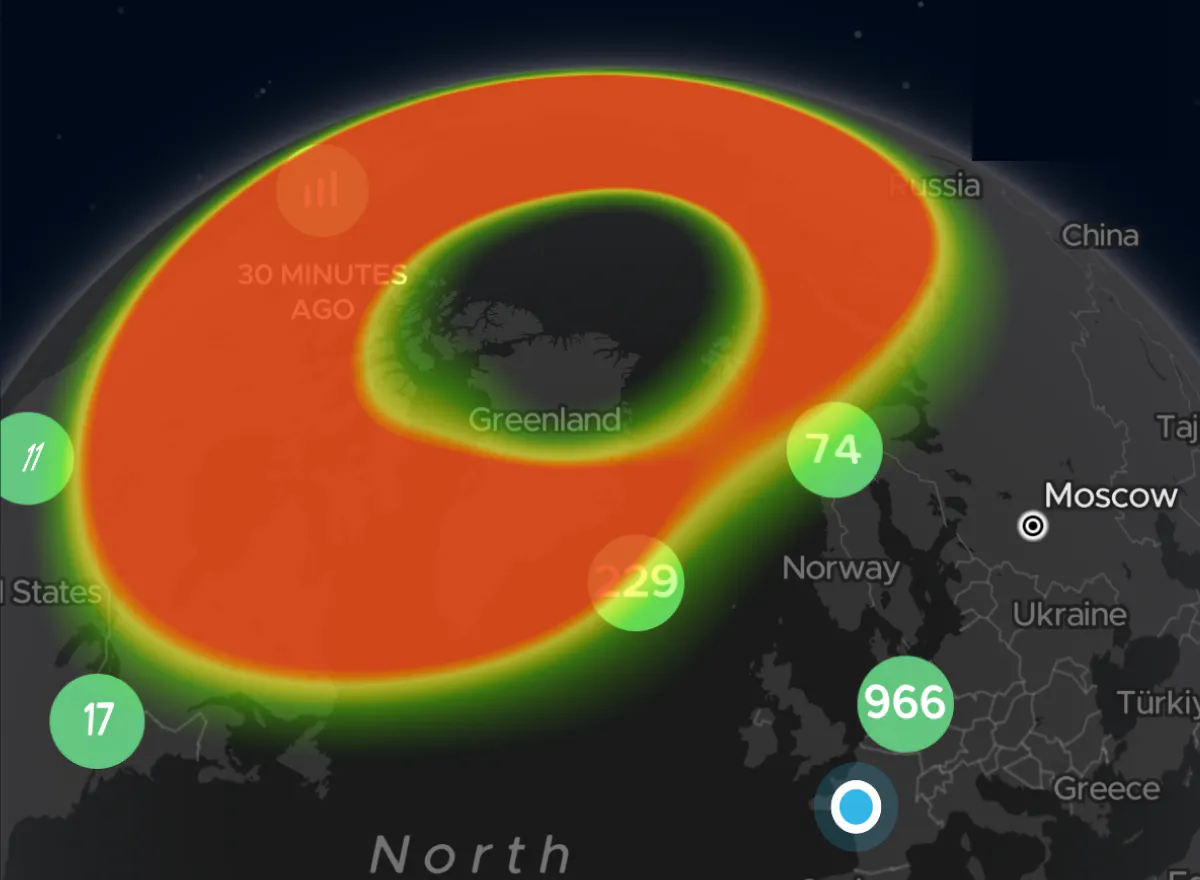
Where were the Northern Lights seen 30 minutes ago?
To see where the lights were spotted within the last 30 minutes, helping you filter out older active reports and get only the most recent ones, you can choose to filter by "Last 30 Minutes" to view the latest sightings worldwide. Note that the Last Night and Last 30 Minutes features are only available for Pro users.
Why are aurora sightings important? These reports are valuable because they come from real people in the area. Relying solely on forecasts may not always help; having confirmation from others increases your chances of seeing the lights. You can receive notifications when someone spots the aurora, and you can choose to receive only reports that include photos.
How to use the aurora spotted map? When you see reports of the Northern Lights nearby, go outside and try to take a photo of the sky. Our users have found this feature particularly helpful in locating the lights.